Jon has dropped off a brand new Ender printer in 3d for us - thanks you! @marketj
2 Likes
Awesome, assuming nobody gets around to it before me I might set it up sometime this week.
1 Like
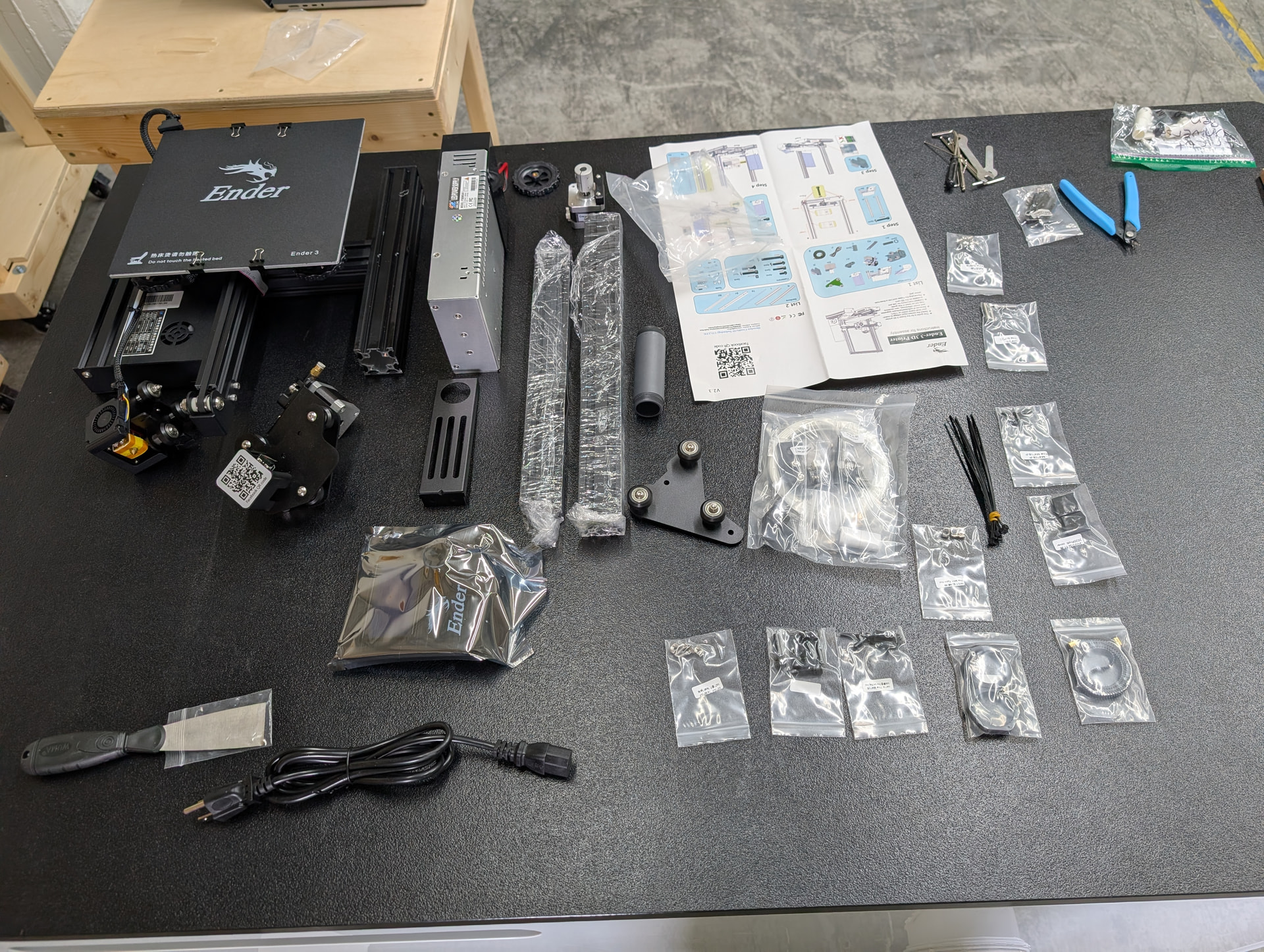
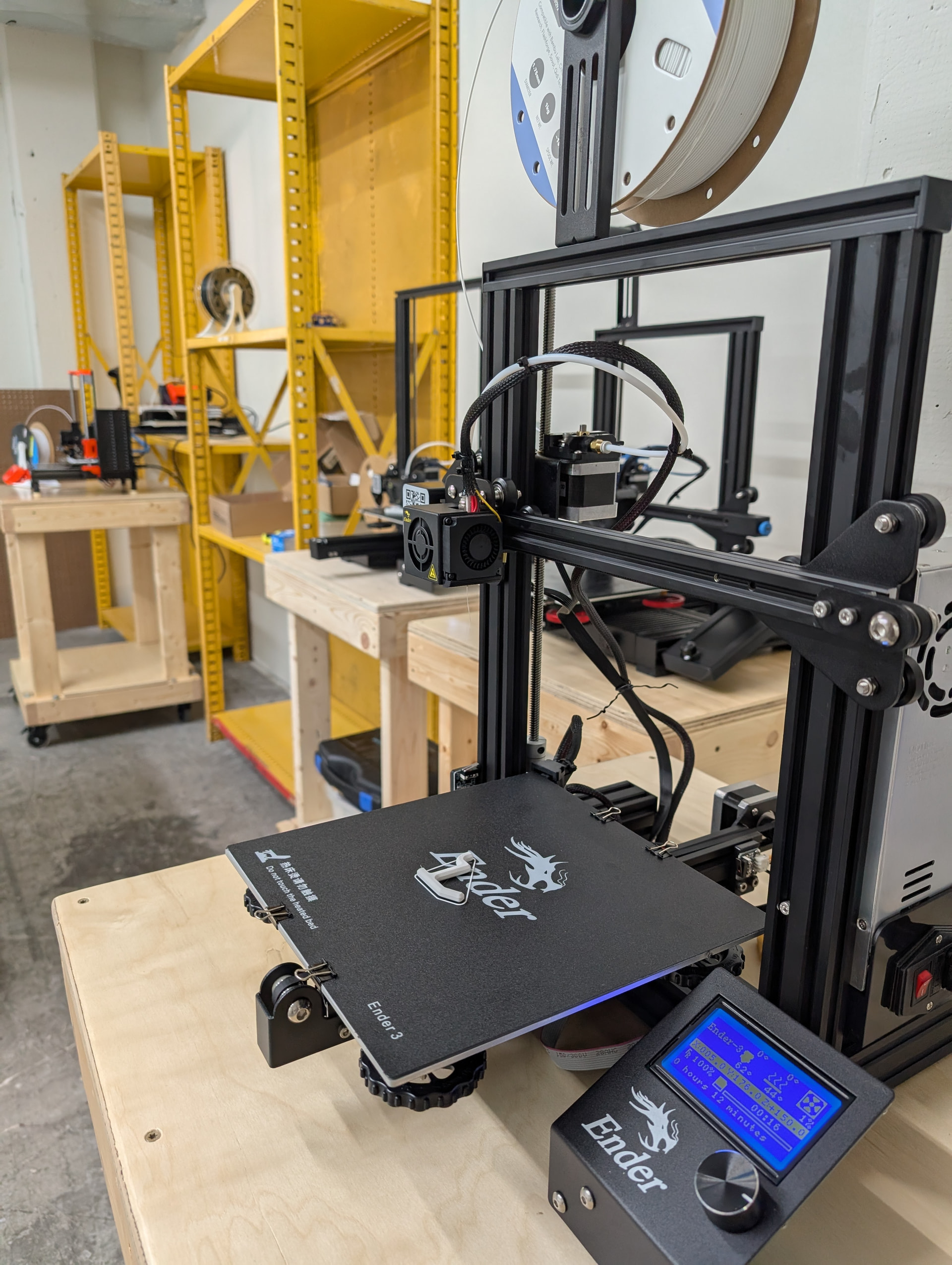
Nice - thank you for putting that all together!!
I have some more scraped ones that were given to me that I can bring in.
1 Like
Hi i am new to 3D printing and i have a Creality Ender 3 printer that is not working correctly after i installed a auto bed leveling kit, and i was wondering if anybody can please help me figure it out.
I can bring it to the shop if necessary and i welcome and appreciate help
Thank you!
@Max free to share more about which specific model Ender you have, which bed leveling kit, what you tried for installing it and how it is behaving. I installed the CR Touch system on two of the Enders in the makerspace (V2 and Max) and am in the process of installing it on the third (an Ender-3 V1 so I had to do some custom stuff for it). The BLTouch auto leveling system should be pretty similar.
I can either share some ideas on here, or if you want to bring it in I could take a look (you could either drop it off in the 3D Printing space and I could look at it when I get a chance or we could try to coordinate a time).
Thank you so much for the quick response, i think I’ll take it to the shop so we can take a look at it, it’s easier to do that than to try to explain it through here. I’ll drop it off today if possible. I would love to meet you there whenever you’re available, no rush but I’ll still drop it off today.
Thank you so much!
@Max, I plan to be there between 9-9:30 PM tonight (Saturday) to work on some stuff, otherwise let me know if you want to meet up there tomorrow sometime and I can be there.
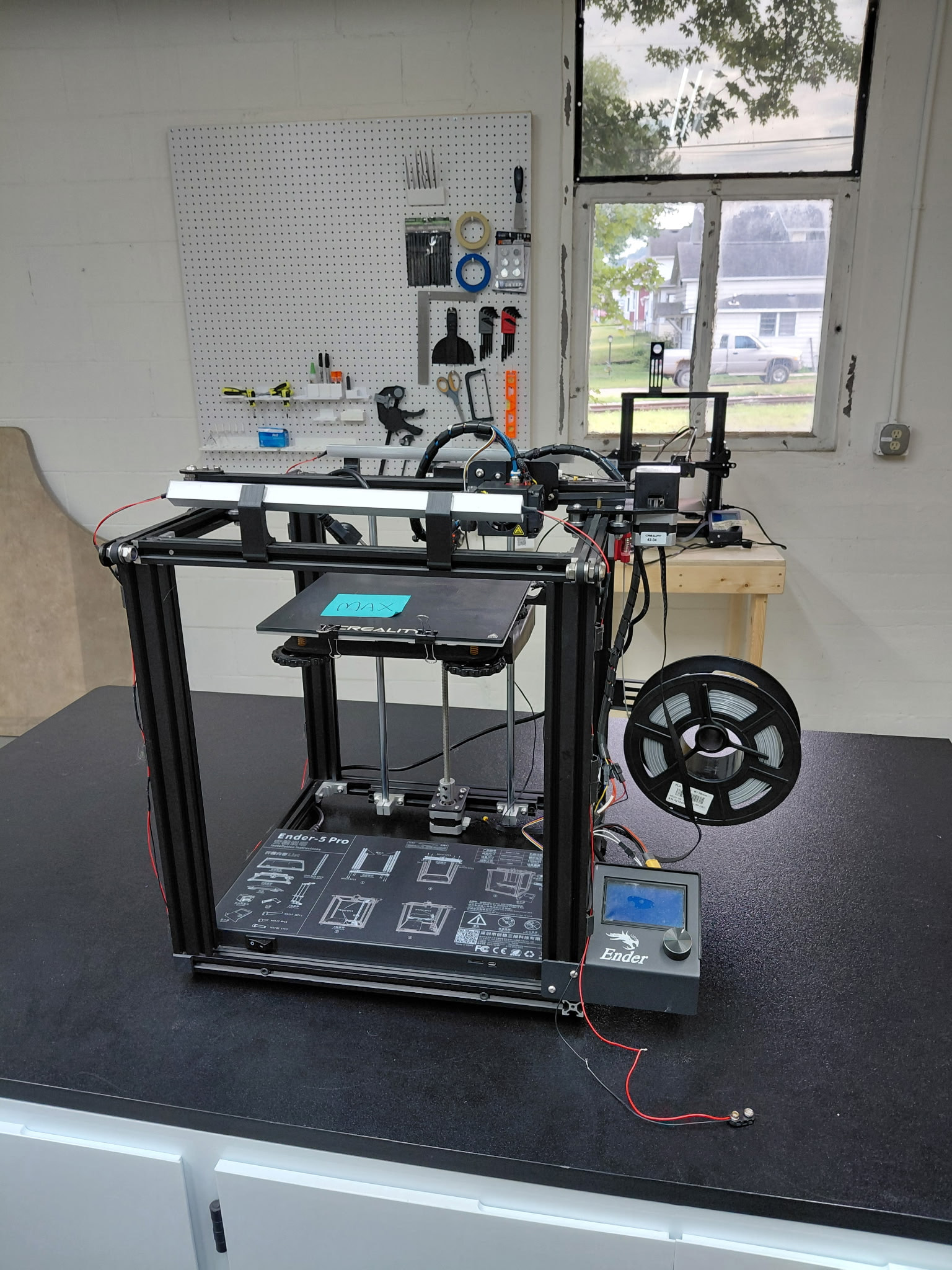
Of great, yes I’ll meet you there tonight at 9pm. I just dropped off the 3D printer is a Creality Ender 5 pro and i installed the Ender CR touch kit.
Thank you so much I’ll see you there at 9pm.
1 Like
How’d it turn out? Did you and @Chris get it solved?
I met Chris and talked for awhile, he’s still working on it. I think he still needs to install some updates and perform some tests
1 Like
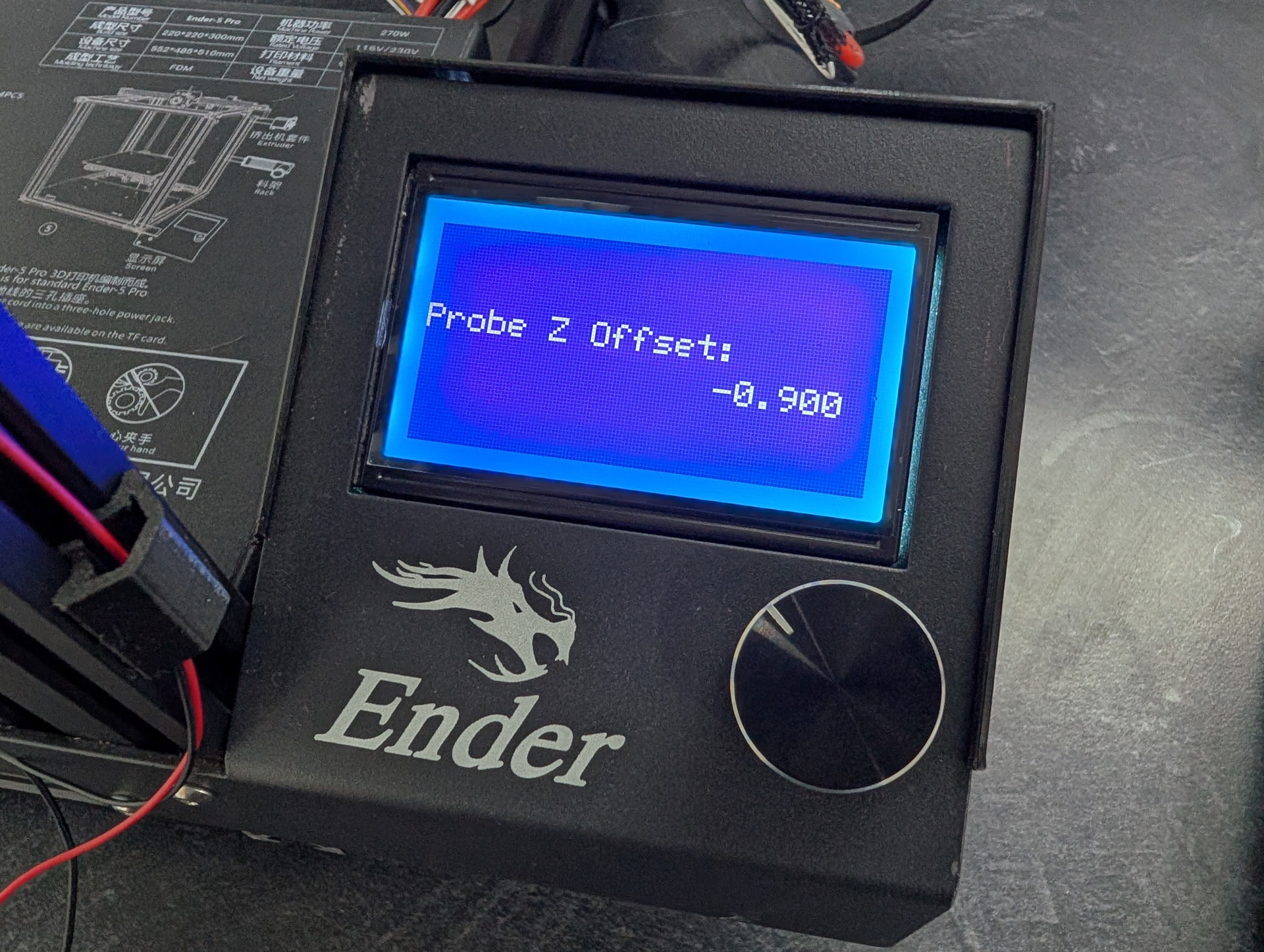
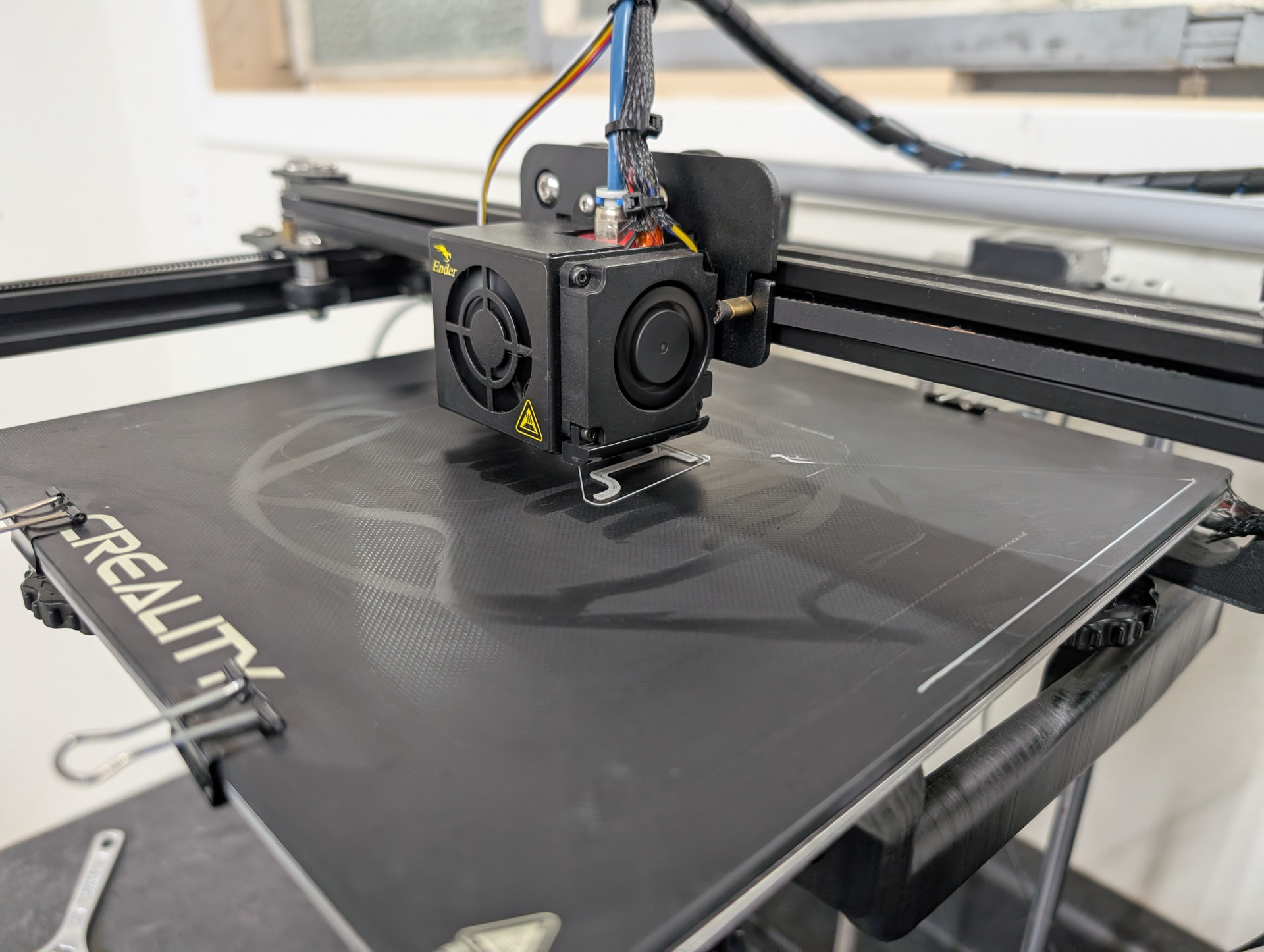
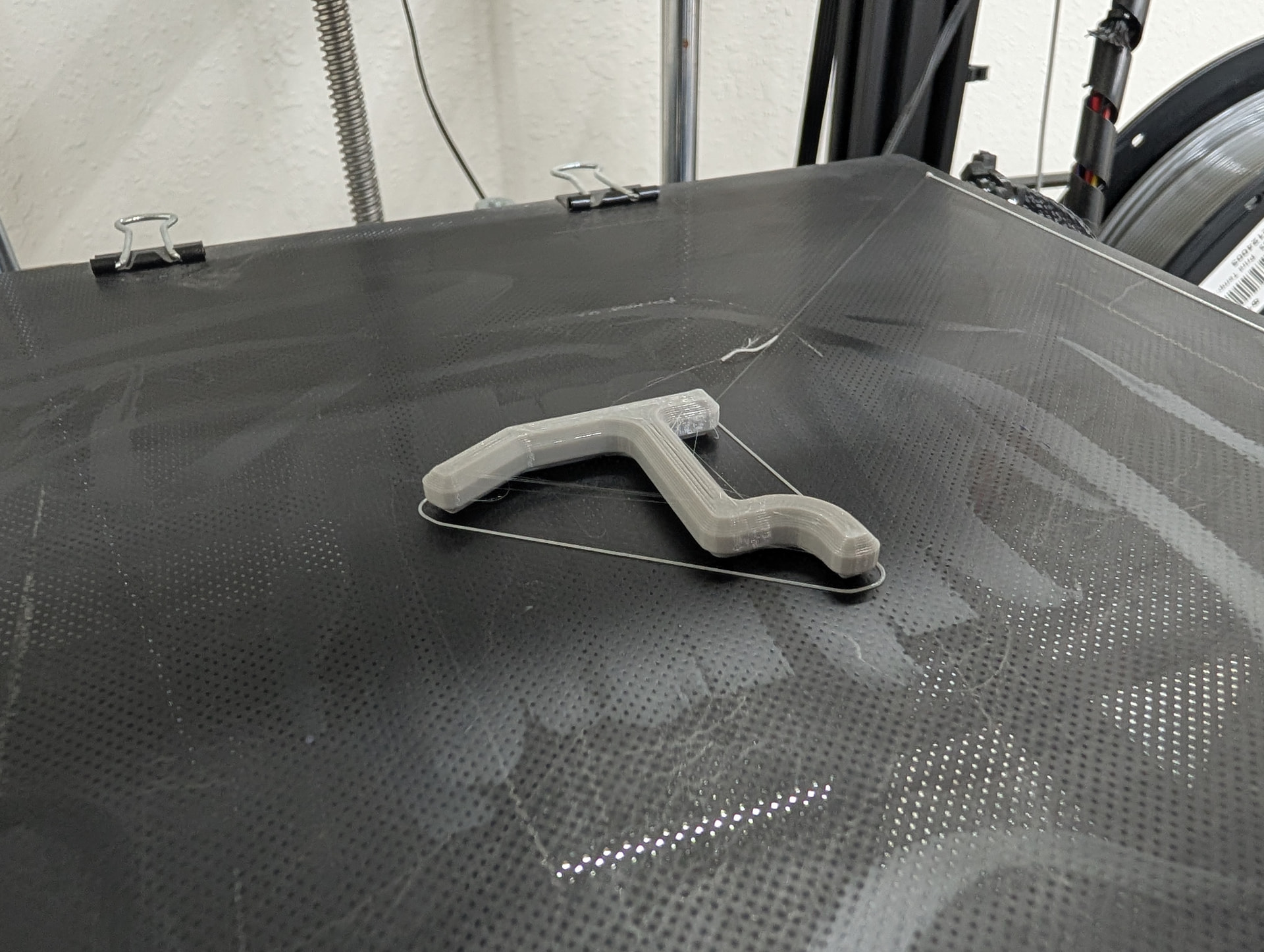
I was able to get a successful print. Key part was needing to set the “Probe Z Offset” setting with a measurement I took. Next thing I noticed though was that the setting reverted when I rebooted the printer, so I’ll poke at why that is next so it doesn’t need to be set every time.
1 Like
Oh wow, interesting i wonder why it’s doing all that. Thank you so much Chris!
Ok, I’m done with it. I was able to fix it losing its settings on reboot by updating its firmware (the official creality firmware with CR Touch support was setup to require an SD card to save the settings and I didn’t have one plugged in. The firmware I updated it with saves settings to its onboard memory, so it won’t lose them if SD cards are swapped).
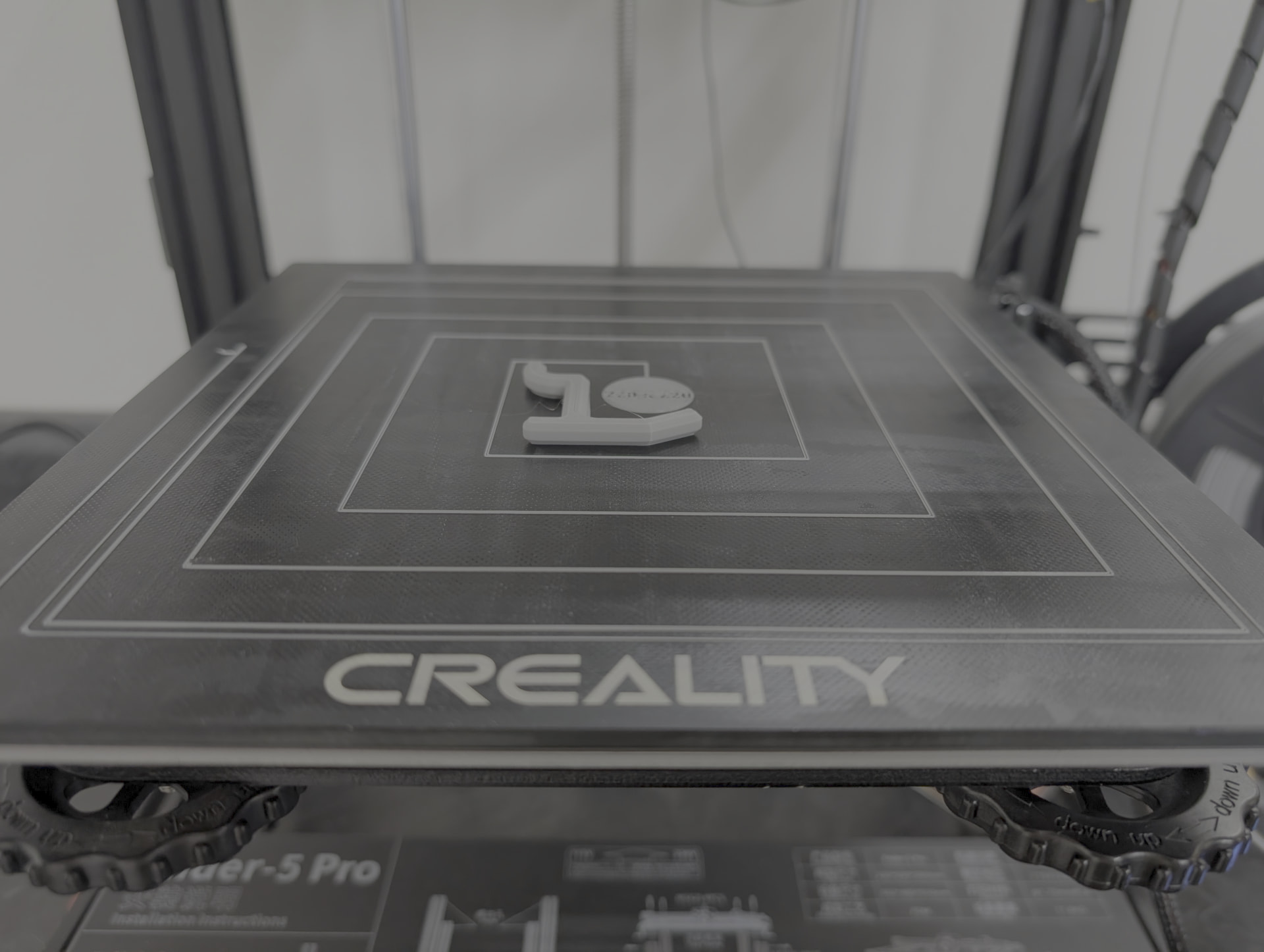
I did a final test print and the CR Touch seems to keep the print nice and level across the whole print bed (the spiral line in the print is to test that). If you wanna chat about it, just let me know if there’s some night you wanna stop by at 9:00 PM again just message me and I should be able to come in, otherwise feel free to do what you want with it.
Oh wow that’s great, thank you so much Chris, yes i would love to stop by and talk about it for a bit if that’s OK. I can meet you there tonight at 9pm or Let me know what date works better for you, thanks again.
@Max I’ll see you there at 9 PM tonight
Sounds good, thank you!
Hey Chris how are you, i just wanted to give you an update on the 3D printer. I tried to print some files but i couldn’t get it to print, looks like nozzle is too far from the bed and didn’t work. I’ll keep trying I’ll let you know if i can print something lol
I wouldn’t expect it to change but make sure that “Probe Z Offset” setting is still set to -0.9. I’ll message you my email address as well so you can send me the gcode file you tried to print…it can give me some insight if maybe there is some slicer setting that might be causing trouble.